Getting support via Gitlab
Yireo runs a Gitlab instance to maintain the source code of the commercial LokiCheckout modules. Because of this, any issue that is related to the source code, should also be filed as an Issue within Gitlab. Additionally, access to Gitlab allows you to browse all of the source code as well.
Getting access
If you already have access, head over to https://gitlab.yireo.com/ and login with your own credentials.
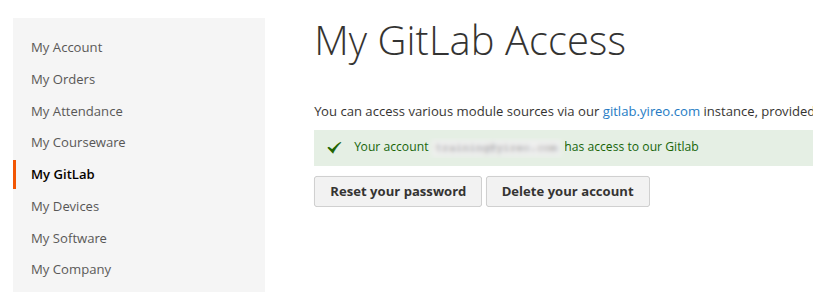
If you don't have access and your license is valid, login into your account under shop.loki-extensions.com and then navigate to My Software. This should list all of your current subscriptions (or subscriptions purchased by collegues). If there is an active subscription, this should allow access to GitLab. Next, navigate to My GitLab. Here you can create a new GitLab account for yourself (provided there is a valid active subscription).
Once you create a new GitLab account, our shop will send you a mail with credentials. Make sure to check your spam folder, if this mail does not reach your inbox in time.
Navigating through Gitlab
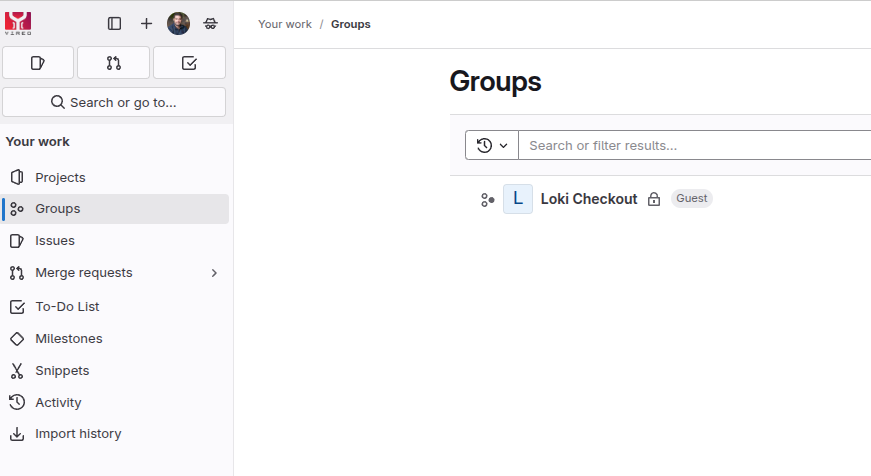
Once you're in, you will get an overview of groups under Groups. Usually you're just seeing the Loki Checkout group.
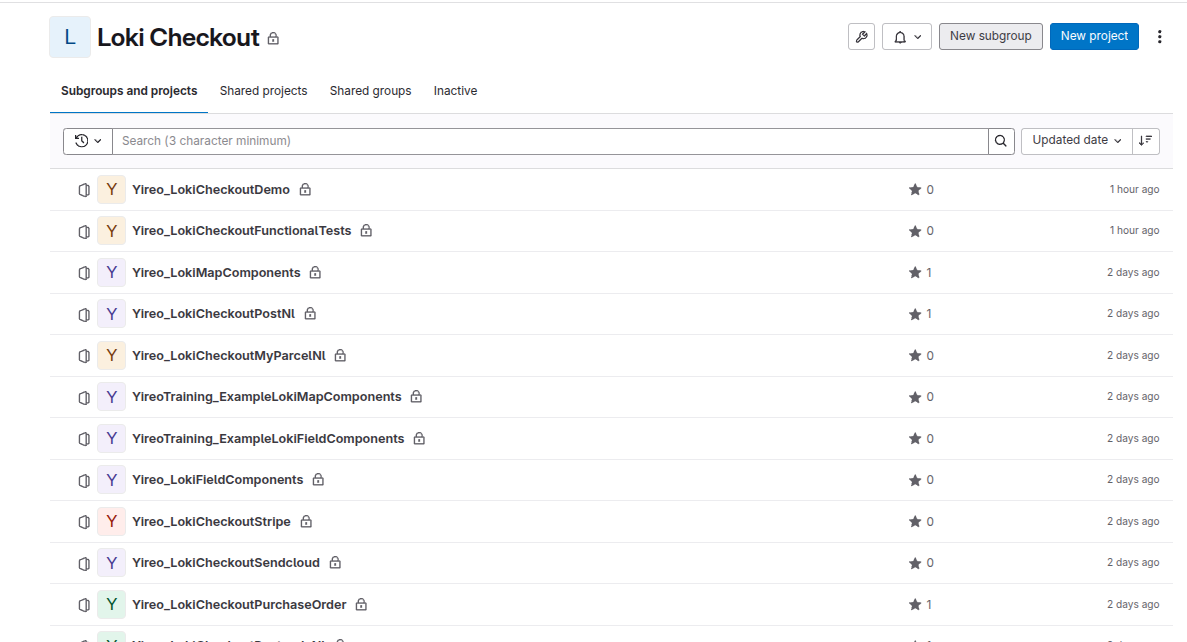
Within the Loki Checkout group, there are numerous projects (aka Git repositories aka Magento modules) to be visited. Note that some repositories are also located on GitHub.