Loki Checkout Stripe.
This module integrates the Stripe payment method in the LokiCheckout. Without it being enabled, the Stripe payment methods do pop up in the payment method listing, but will not be redirecting to the Stripe payment portal and/or render their payment components. Hence, this module is vital to use.
Configuration settings
Currently, this module does not need any configuration settings.
Express Checkout methods
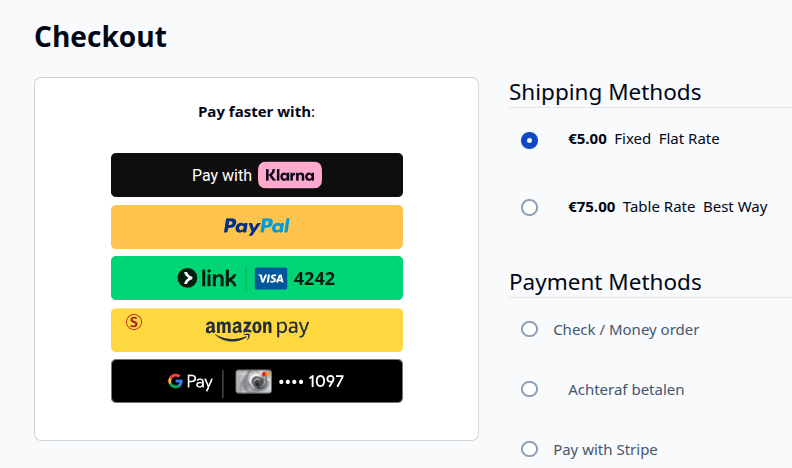
Once the Stripe Express Checkout method is configured in the Stripe module itself, the Express Checkout components (like Klarna, PayPal, Link, AmazonPay, GooglePay and ApplePay) will be loaded in the area for "fast checkouts".
Payment methods
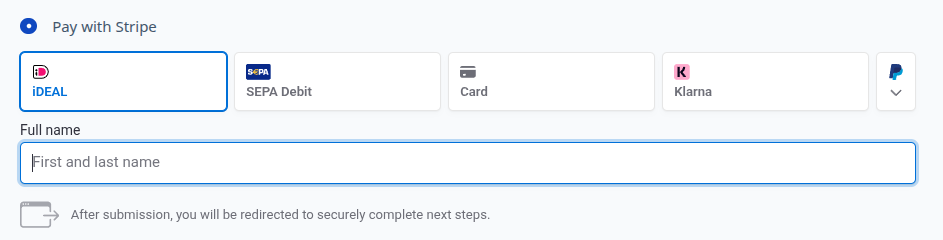
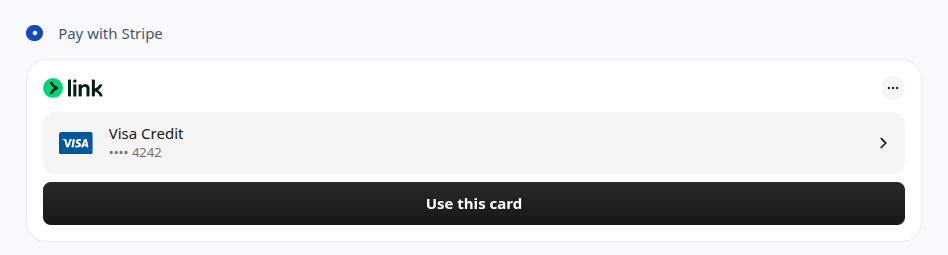
When the regular payment methods are enabled in the Stripe module, a new payment method for Stripe is shown. Once this payment is selected, the Stripe payment components are initialized, offering options for Link, Credit Card, iDEAL and a lot more.
Bank transfer method
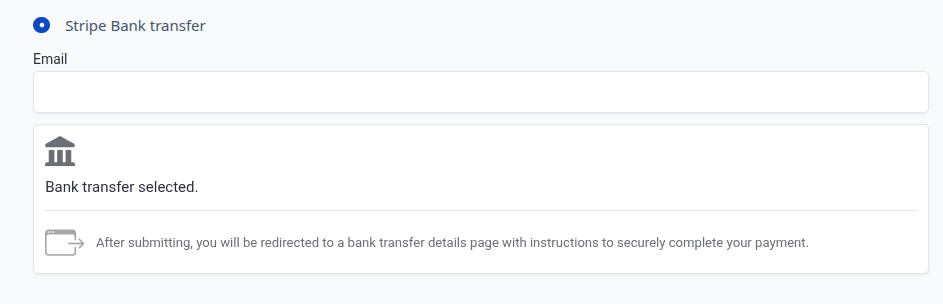
If bank transfer methods are enabled, an additional radio-button pops up with its own Bank Transfer component.