Loki Checkout Billink.
This module integrates the Billink payment method in the LokiCheckout. Without it being enabled, the Billink payment methods do pop up in the payment method listing, but will not be redirecting to the Billink payment portal. Hence, this module is vital to use.
Configuration settings
Currently, this module does not need any configuration settings.
Payment methods
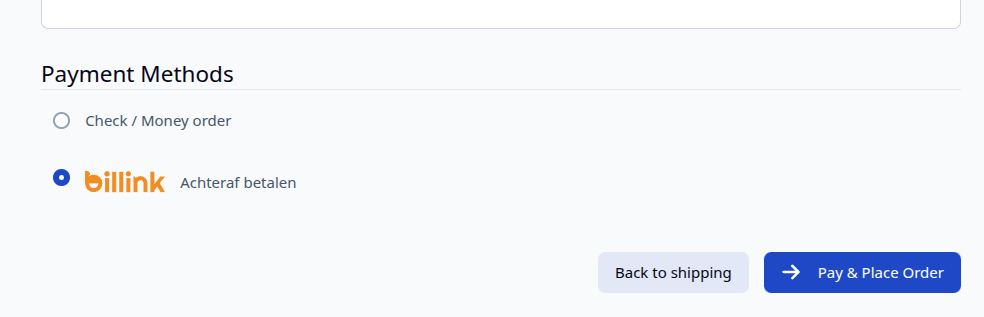
Once the module is enabled, the Billink payment methods are displayed instantly in the LokiCheckout. Additionally, an image is shown for each payment method as well. After selecting the right payment method and completing other details on the checkout page, a customer is redirected to the Billink portal for the actual payment.
Additional costs in sidebar
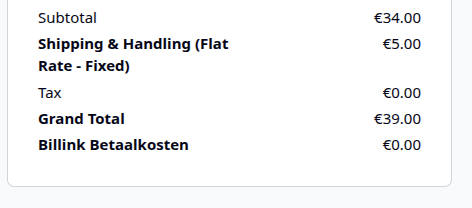
If additional costs for Billink apply, they are shown in the side of the Loki Checkout.